Sample reports
See exactly what you get before you buy. Every report, in full, in your browser: the Personal Safety Report for individuals, the Team Safety Snapshot for organisations, and the Safeguarding Evidence Report for schools and care providers.
Personal Safety Report
A sample individual report showing risks, priorities, and plain-English fixes.
Every high-priority next step from your assessment is included below, ordered worst-first so you always know what to tackle next.
Your photos, documents and important files may not be backed up anywhere safe. If your phone or laptop is lost, stolen, broken or hit by ransomware, that content could be gone for good.
Years of photos, important documents and irreplaceable memories live on devices that fail, get stolen, or get locked by ransomware. A single backup setting makes the difference between a bad day and a permanent loss.
These areas aren't critical, but working on them now will move you firmly into the "Well Protected" range.
You may not yet feel confident spotting the warning signs of a scam message, whether it arrives by email, text, WhatsApp or phone. Today's scams are well-written, urgent, and often look like they come from people or companies you trust.
A single click on a convincing scam can hand over your password, drain your bank account, or install software that watches everything you do. Scams aimed at individuals are now the single biggest cause of personal financial loss online in the UK.
Your personal information, date of birth, address, phone number, photos, location, may be more visible online than you realise. Apps and websites often collect more than they need by default.
The more of your personal details that are publicly available, the easier it is for criminals to impersonate you, answer your security questions, or build a convincing scam aimed at you specifically.
You may not yet have a clear plan for what to do if your account is hacked, your card is used fraudulently, or you fall for a scam. In the panic of the moment, knowing the first three steps makes all the difference.
The first hour after a security incident is the most important, that's when you can still freeze cards, lock accounts and stop the damage spreading. Without a plan, most people lose precious time figuring out who to call.
Passwords & Accounts, 80/100
You're using strong, unique passwords and have 2FA enabled on your most important accounts. That single discipline shuts down the most common way people get hacked. Keep it strong by adding 2FA to any new account before you start using it.
Device Security, 80/100
Your devices are up to date, screen-locked and protected. That foundation closes off the easiest routes into your personal data. Keep it strong by checking for updates once a month.
Social Media Safety, 80/100
Your social accounts are locked down with 2FA and your privacy settings reflect what you actually want to share. That combination protects both your account and the people in your network. Keep it strong by reviewing followers and tagged photos every few months.
Banking & Money, 80/100
You've got real-time alerts, biometric login and clear limits set on your banking and payment accounts. That setup means you spot any suspicious activity within minutes rather than days. Keep it strong by checking your statements weekly, even just a quick scan.
This Week
Tackle the priority fix from your highest-risk area (Backups & Recovery). It's the single most impactful action you can take today and it shouldn't take more than 10 minutes.
This Month
Work through the remaining priority areas one at a time, starting with Phishing & Scams. Aim for one improvement per week, short, focused changes stick far better than trying to do everything at once.
Over the Next 3 Months
Re-take the assessment to see your score improve and confirm the changes have stuck. Regular reviews keep your protections in step with new threats and any new accounts or devices you add.
Keep building your safety habits
Your Personal Safety Report is just the start. Visit CyberSafe Coach to explore short learning modules and practical guides on each area covered above. When you've made some changes, re-take the assessment any time to see your score improve.
Report cybercrime at reportfraud.police.uk or get guidance from ncsc.gov.uk.
Your safety check is free. The full report above is a one-off £7.99, with 30 days to change your mind.
Start my free checkTeam Safety Snapshot
A sample organisation report showing team-wide strengths, areas to work on, and recommended next steps.
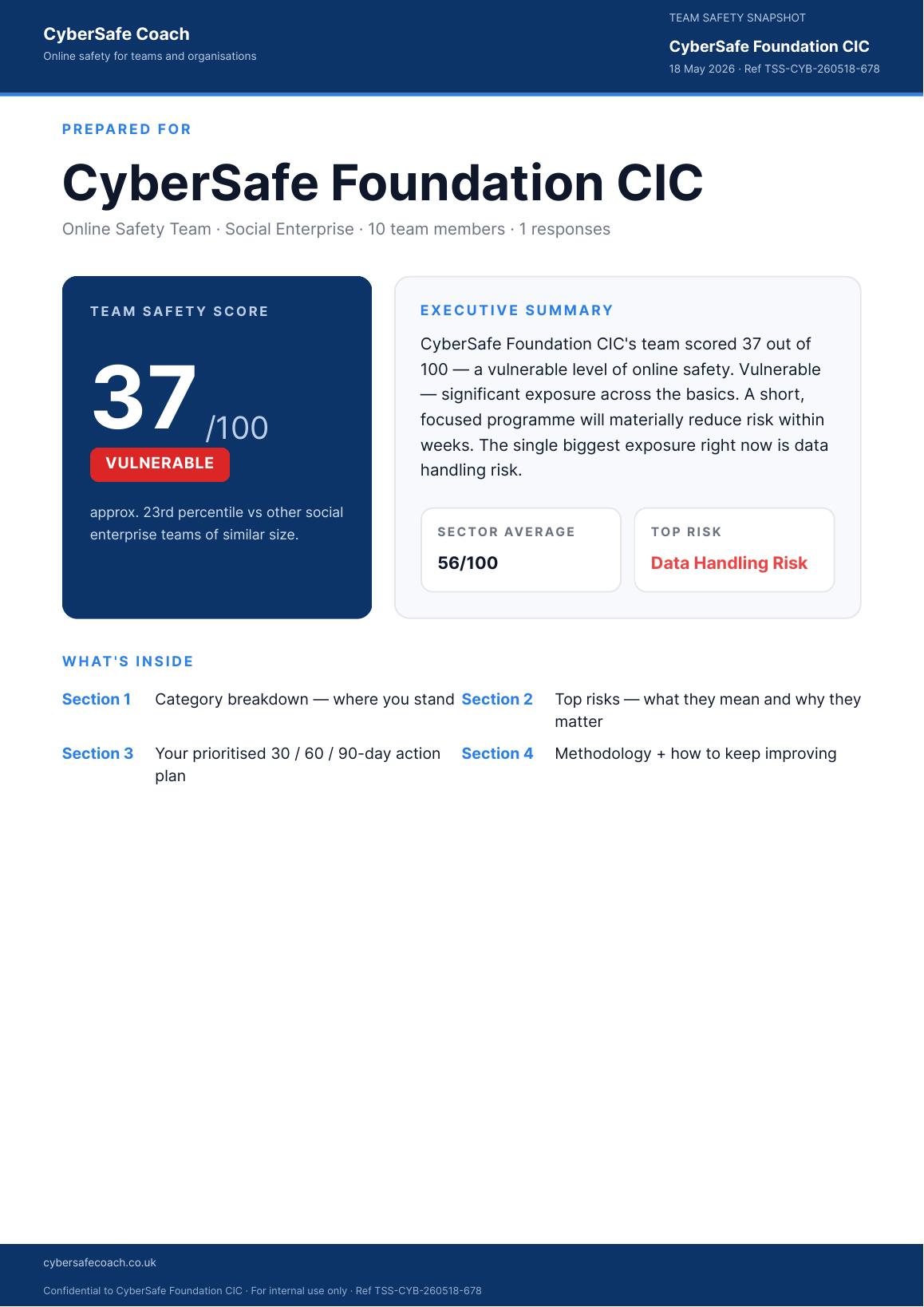
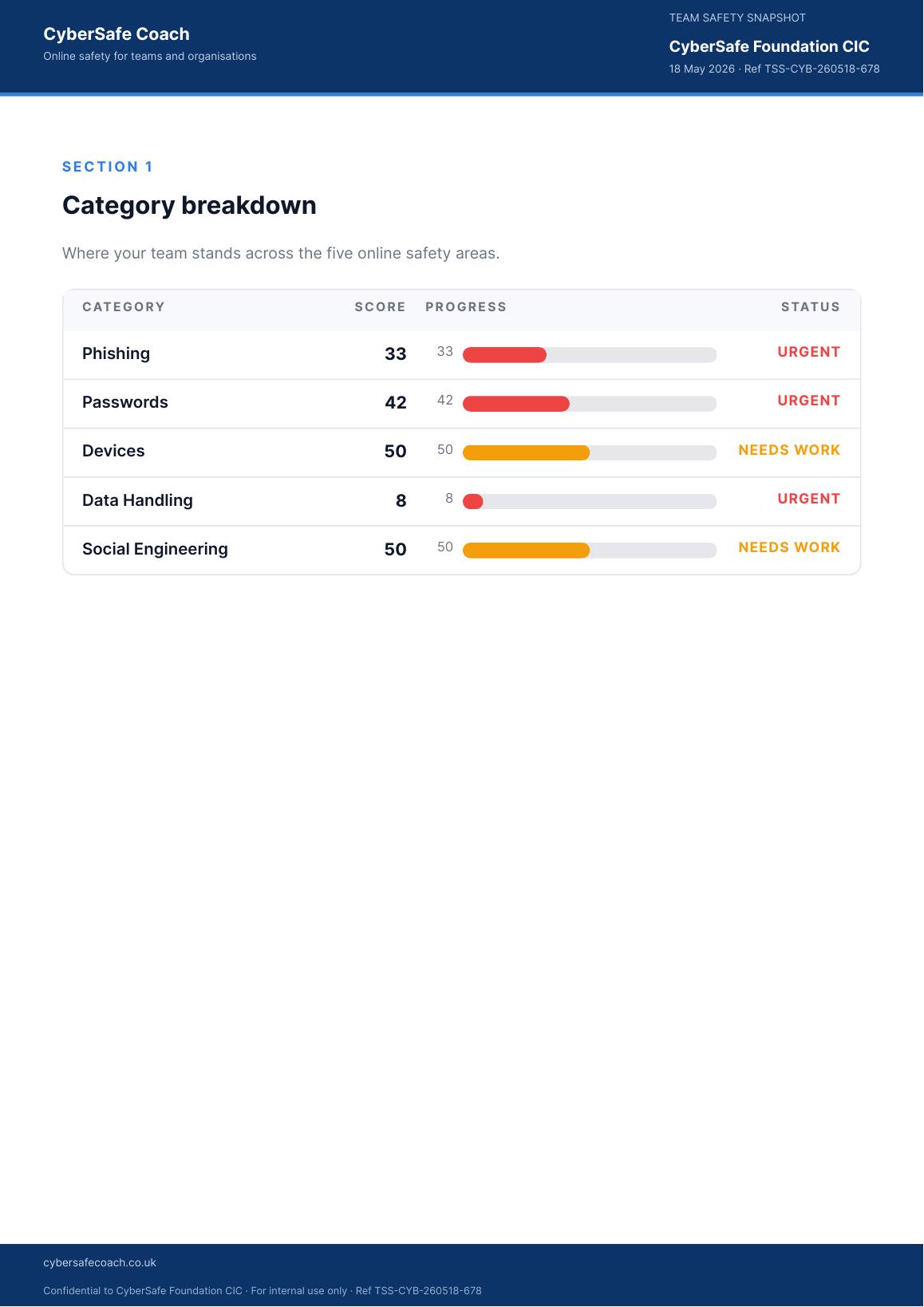
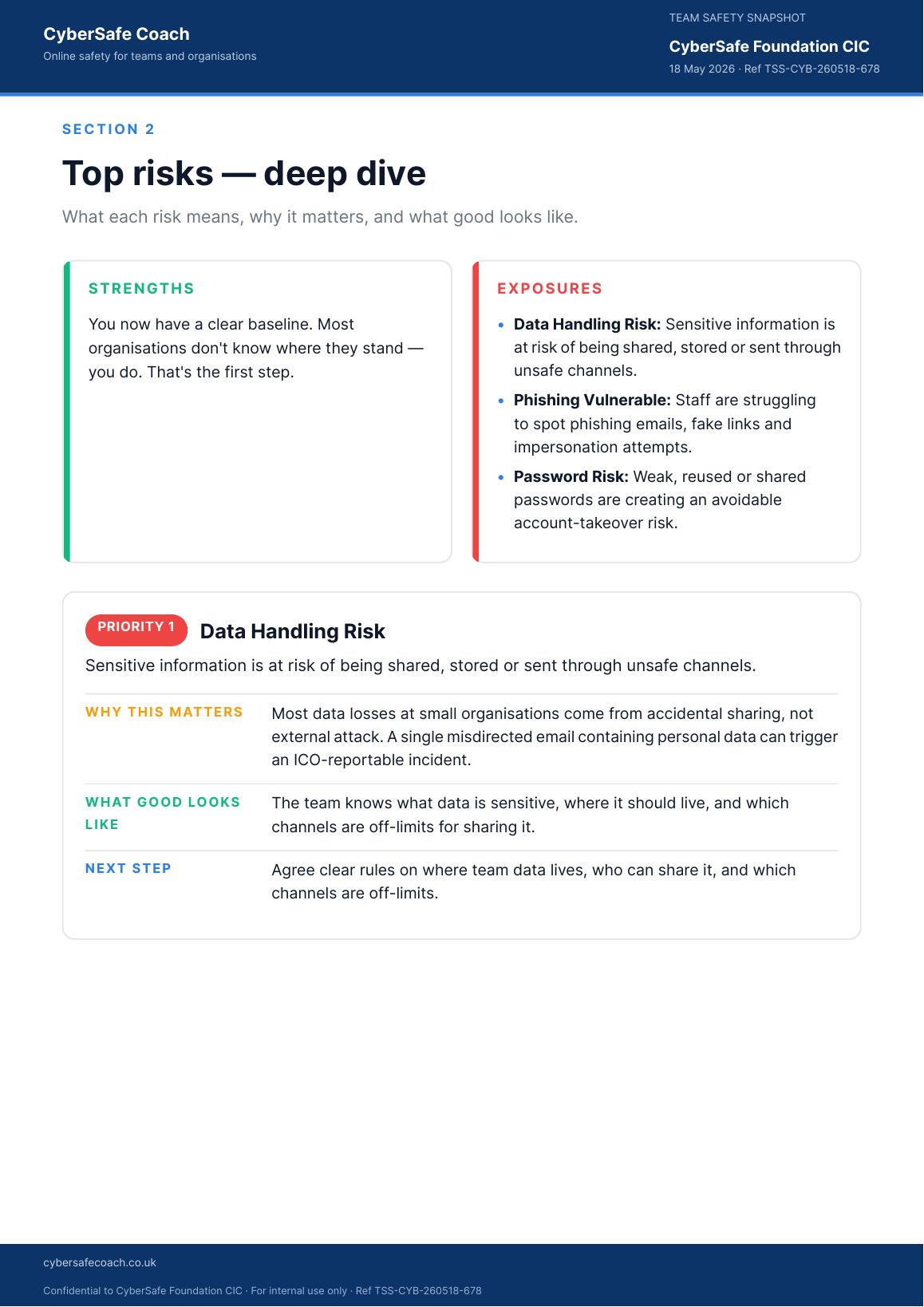
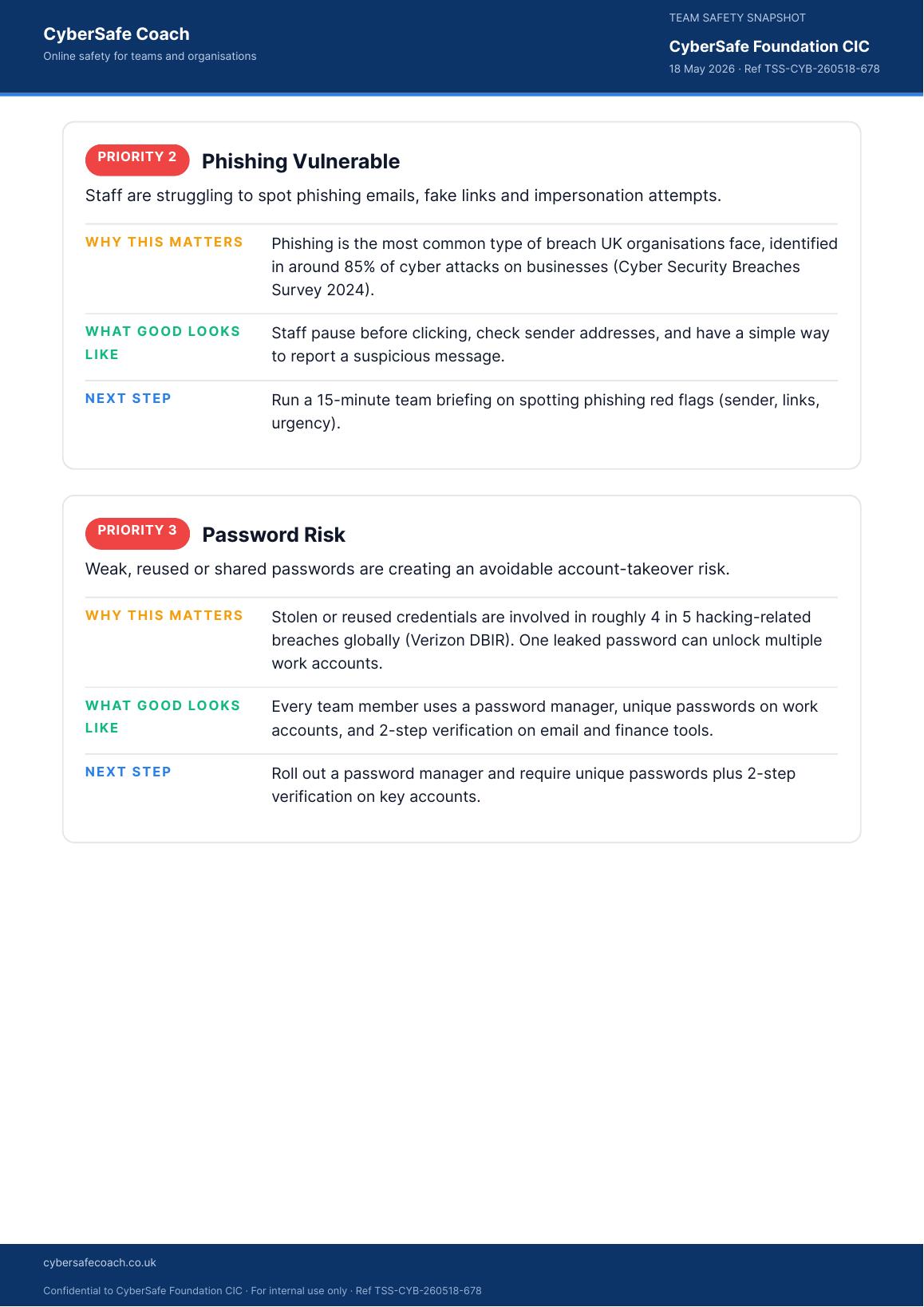
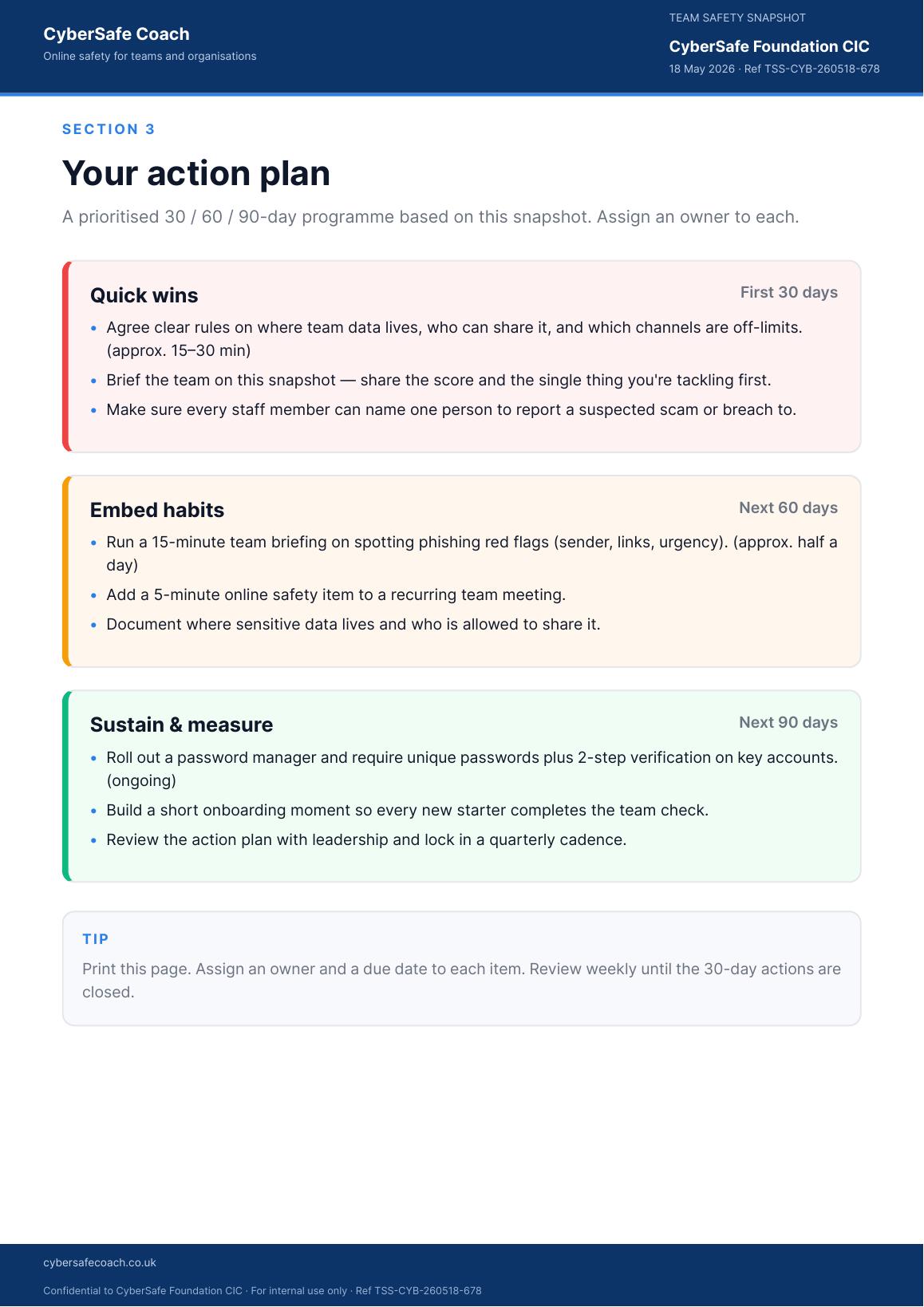
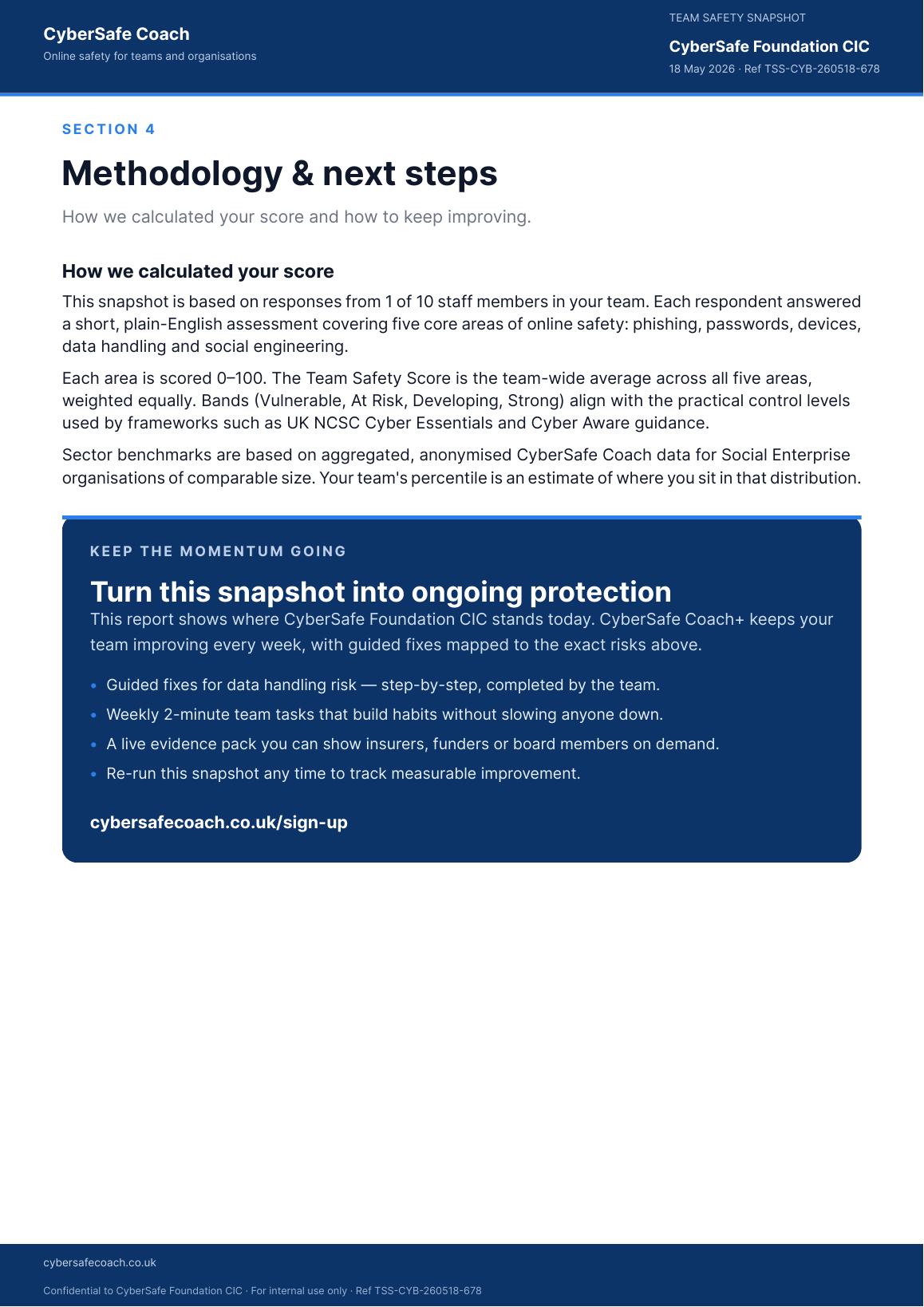
The Team Safety Snapshot comes with every organisation plan, refreshed as your team works through it.
See plans for teamsSafeguarding Evidence Report
Two samples: a school report showing the KCSiE position, and a children's home report for the Regulation 45 review. Both show what the team has done and the dated evidence behind it.
One PDF covering your position against Keeping Children Safe in Education (KCSiE), what your staff team has actually done, and a dated log of the evidence behind it.
This sample uses a fictional primary school with real next steps left in on purpose, including one critical one and two staff who have never started, so you can see how the report reads on the day it matters rather than on a perfect day.
Schools and care providers produce this in one click from their own records, whenever someone asks to see it.