Scams are built to be convincing
Once you see how a scam works, you can stop it happening
You don't have to be the technical one to keep everyone safe online. We show you what to look for, one small thing at a time.
What are you protecting?
Free · No sign-up needed · One question per area, about 5 minutes
What you get
- See where your team standsYour three weakest spots, in five minutes.
- One small fix a weekThat's it.
- Someone to askWhen a scam or a worry lands.
- Proof for the people who checkA dated record, built as you go.
This is the whole thing
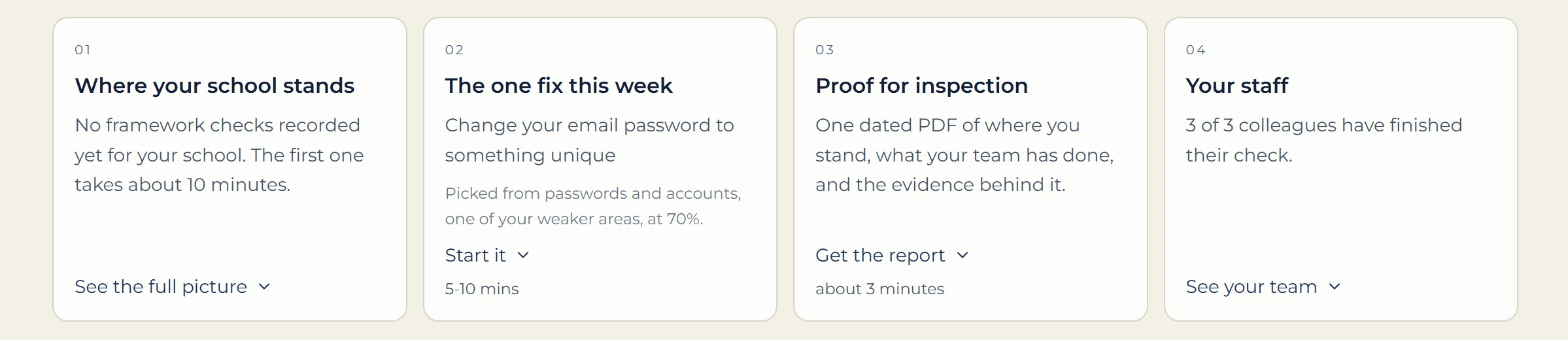
Four doors, and nothing else to learn
Where you stand. The one fix this week. Proof when someone asks. Your team. Everything sits behind the door it belongs to, so nothing competes for your attention.
Five minutes a week
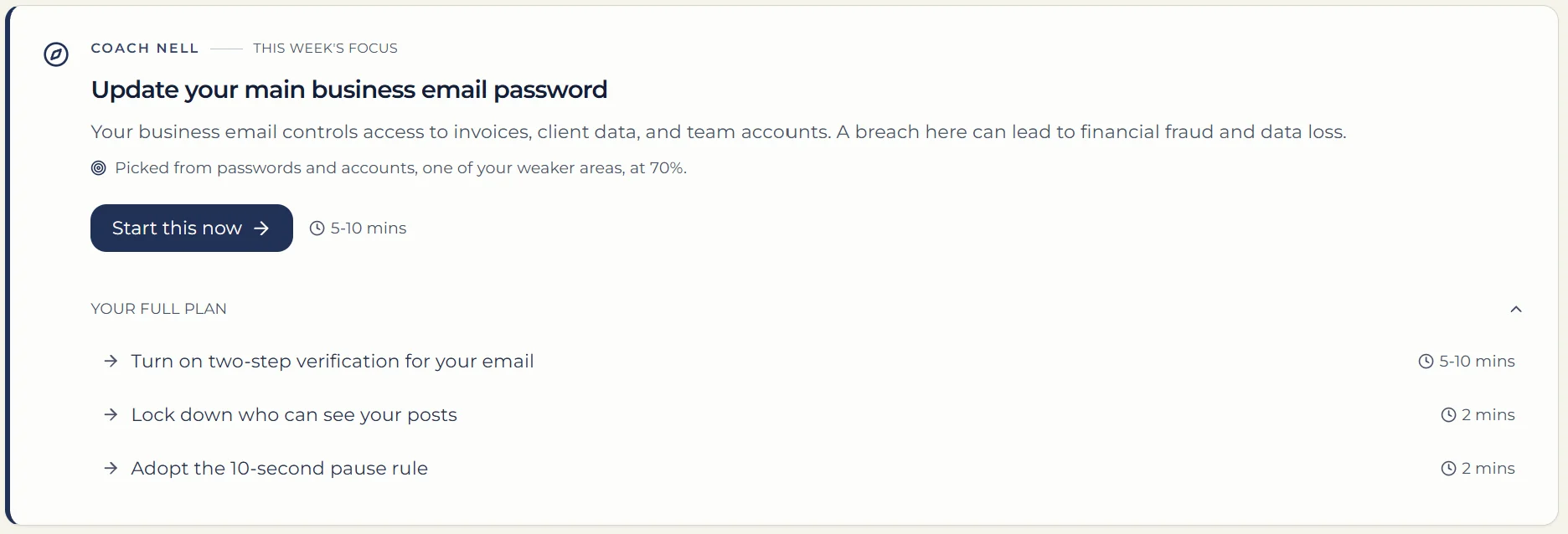
One thing to do, chosen for you
Nell picks the fix from your own weakest area and tells you how long it takes before you start. No list of forty things, no homework.
When someone asks
The evidence is already written
One dated report covering where you stand, what your team has done, and the log behind every claim. Built as you go, so it is ready before anybody asks for it.

Worried about a text, email or call?
A calm, simple page with plain words and big buttons, for you or someone you care for. No sign-in needed.
Take me to the simple help pageMade for older adults, carers, and anyone who'd like things explained more gently. Free, always.

2% of every subscription goes to CyberSafe Foundation CIC
Automatically funds subsidised access for qualifying charities and community groups. No opt-in required.



Proud international partner of NTEN
CyberSafe Coach is recommended by NTEN as an online safety platform, helping nonprofits assess their cyber risks, build lasting digital safety habits, and access ongoing guidance to keep their teams protected.
Common questions
What can I use for free?
Do I need to create an account?
What happens after the check?
Trusted Partners